AI POD design for beginners is one of the most accessible ways to start an online product business. You can create designs with AI tools, place them on print-on-demand products, and sell them without buying inventory upfront. When a customer orders, a POD provider prints and ships the product for you.
That sounds simple, but beginners often make the same mistake: they generate random AI art and upload it everywhere. Real POD success requires a focused workflow. You need to know who the buyer is, what product fits the design, how to prepare print files, and how to create listings that customers can find.
This beginner guide explains the basics in plain English.
What Is AI POD Design?
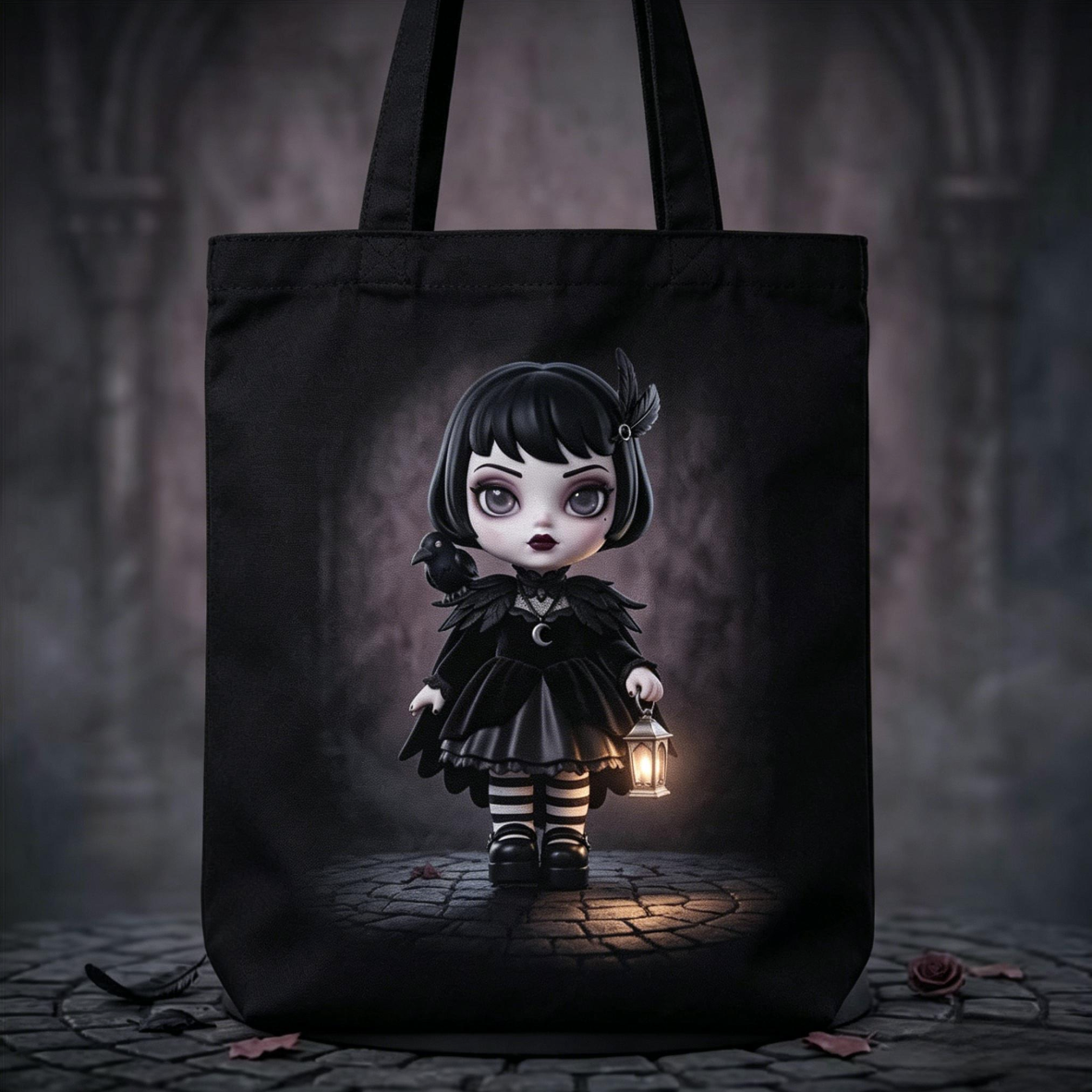
AI POD design means using AI tools to help create designs for print-on-demand products such as T-shirts, mugs, posters, stickers, tote bags, phone cases, and notebooks.
AI can help you:
- Generate artwork
- Brainstorm product ideas
- Create patterns
- Suggest slogans
- Remove backgrounds
- Upscale images
- Create mockup concepts
- Write product descriptions
POD allows you to sell products without storing inventory. The design is printed only after someone buys the product.
Why Beginners Like AI POD Design
Beginners like AI POD design because it lowers the barrier to entry. You do not need to be a professional illustrator. You do not need to order hundreds of shirts. You can test different designs and niches with relatively low upfront cost.
Benefits include:
- Fast idea generation
- Low inventory risk
- Flexible product options
- Easy testing
- Ability to create niche designs
- Scalable design workflows
However, AI does not guarantee sales. You still need quality control, originality, SEO, and customer understanding.
Beginner Step 1: Pick One Niche
A niche is a specific audience or theme. Beginners should avoid trying to design for everyone. Choose one group of buyers and learn what they like.
Good beginner niches include:
- Dog moms
- Cat lovers
- Teachers
- Nurses
- Coffee lovers
- Book lovers
- Yoga fans
- New parents
- Gardeners
- Gamers
- Students
- Fitness beginners
A niche helps you write better prompts, choose better products, and create better listings.
Beginner Step 2: Choose One Product
Start with one product type. This keeps the process simple.
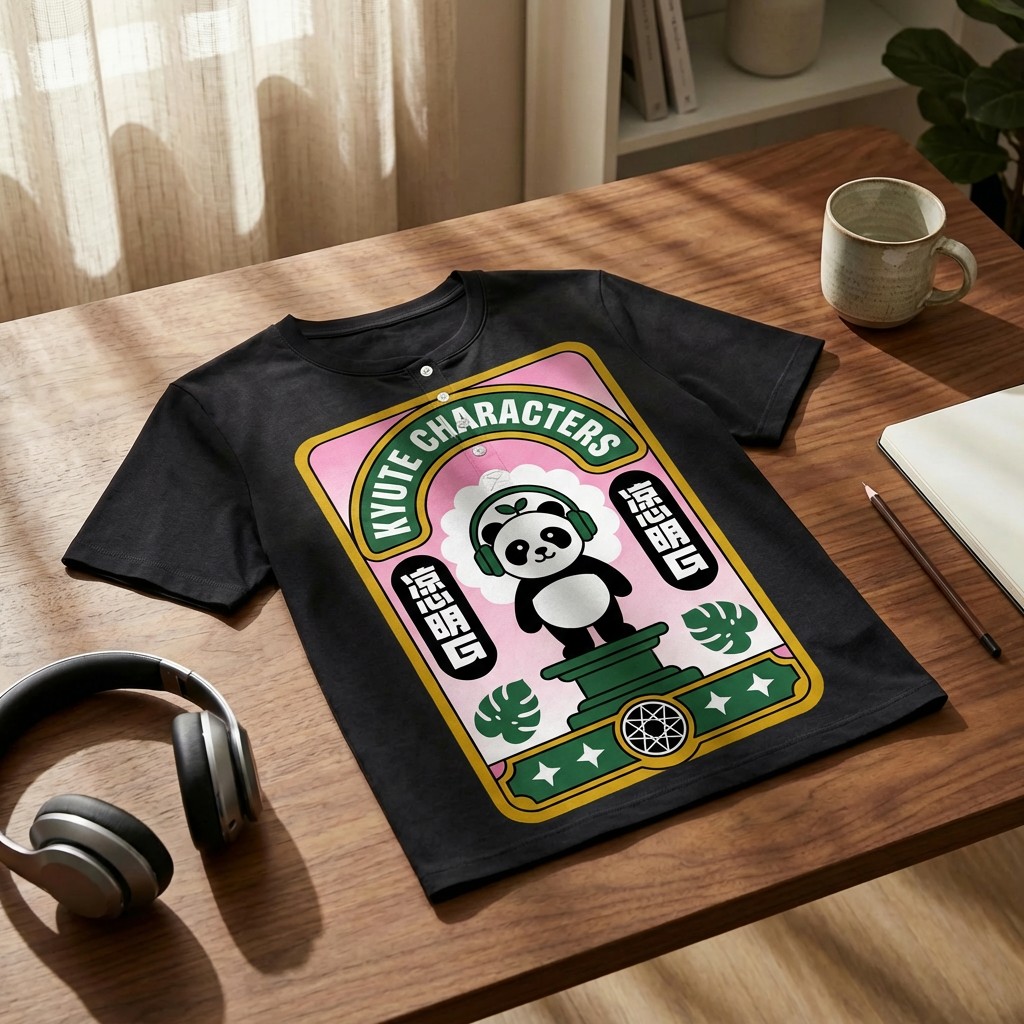
T-Shirts
Good for slogans, retro designs, hobby identity, and profession humor.
Mugs
Good for gifts, office humor, family roles, and simple illustrations.
Stickers
Good for cute characters, icons, students, planners, and laptop decoration.
Posters
Good for AI art, quotes, minimalist decor, and aesthetic images.
If you are unsure, start with mugs or T-shirts because they are familiar and easy to understand.
Beginner Step 3: Research Before Creating
Before making a design, look at what customers already buy. Search marketplaces and note common patterns.
Do not copy. Instead, study:
- Product titles
- Mockup styles
- Customer reviews
- Popular colors
- Common gift occasions
- Design formats
- Price ranges
For example, if you are designing teacher mugs, you may notice buyers search for appreciation gifts, back-to-school gifts, and end-of-year gifts. That information helps you create more relevant products.
Beginner Step 4: Write a Simple Prompt
A good prompt tells the AI what to create. Include subject, style, product, and background instructions.
Example:
“Create a cute simple illustration of a black cat sitting inside a coffee mug, bold clean lines, cozy style, suitable for a print-on-demand sticker, no text, white background.”
Another example:
“Create a retro-style sunshine graphic for a teacher T-shirt, warm orange and yellow palette, bold outline, centered composition, no words, transparent background.”
Use AI for the visual part, then add text manually.
Beginner Step 5: Add Text Carefully
Many POD products use text. Keep it short and readable.
Examples:
- “Dog Mom Era”
- “Coffee First”
- “Teach Love Inspire”
- “Book Club Energy”
- “Plant Lady”
Use fonts that match the style. Do not use too many fonts in one design. Two fonts are usually enough.
Beginner Step 6: Clean the Design
Before uploading, check the design carefully.
Look for:
- Misspelled words
- Strange AI details
- Blurry edges
- Background pieces
- Low contrast
- Tiny lines
- Cropped elements
Use a background remover if needed. Use an upscaler if the file is too small. Make sure the final design looks clean.
Beginner Step 7: Prepare the Right File
Each POD platform has file requirements. Read them before uploading.
Common beginner file tips:
- Use PNG for transparent apparel designs
- Use high resolution
- Keep the design centered
- Avoid tiny details
- Test on product mockups
- Make separate versions for light and dark backgrounds
For shirts, many sellers use large canvas sizes such as 4500 x 5400 pixels, but you should follow your platform's official requirements.
Beginner Step 8: Upload to a POD Platform
Popular POD platforms and marketplaces include:
- Printful
- Printify
- Gelato
- Redbubble
- TeePublic
- Zazzle
- Society6
- Etsy with a POD integration
- Amazon Merch on Demand
Each platform has different rules, fees, products, and audiences. Beginners may prefer marketplaces because they already have shoppers. Brand builders may prefer Shopify with a POD provider.
Beginner Step 9: Create a Good Listing
A listing tells customers and search engines what your product is.
Include:
- Clear title
- Useful description
- Product details
- Gift occasions
- Size or care instructions
- Relevant tags
- Strong mockup images
Example title:
“Funny Cat Coffee Mug, Cute Black Cat Gift, Cozy Mug for Cat Lovers”
Example description:
“This cute black cat coffee mug is designed for cat lovers, cozy mornings, and anyone who believes coffee tastes better with a cat nearby. It makes a thoughtful birthday, holiday, or office gift.”
Beginner Step 10: Learn From Results
Your first design may not sell immediately. That is normal. POD is a learning process.
Track:
- Which designs get views
- Which mockups get clicks
- Which keywords bring traffic
- Which products get favorites
- Which designs sell
Use the data to create better designs.
Beginner Mistakes to Avoid
Avoid these common mistakes:
- Uploading raw AI output
- Using copyrighted characters
- Ignoring trademark checks
- Creating designs for everyone
- Using unreadable fonts
- Choosing low-resolution files
- Adding too many details
- Copying competitors
- Writing weak titles
- Giving up after a few uploads
Beginner AI POD Design Ideas
Here are simple ideas to start with:
- Funny coffee mug for remote workers
- Cute cat sticker pack
- Retro teacher T-shirt
- Minimalist yoga poster
- Dog mom tote bag
- Plant lover sweatshirt
- Book lover mug
- Motivational desk poster
- Birthday month flower print
- Cozy fall phone case pattern
A 7-Day Beginner Plan for AI POD Design
If you are new, a short plan can help you avoid getting stuck. On day one, choose one niche and one product type. On day two, research marketplace listings and write down common buyer phrases, styles, and gift occasions. On day three, create 10 design briefs instead of generating random images. On day four, use AI to create visual concepts for the best three briefs. On day five, edit the designs, add text manually, and prepare files. On day six, create mockups and write listings. On day seven, upload the products and document what you learned.
This plan keeps the process manageable. It also teaches the habit of researching before designing. Many beginners skip research because AI generation feels exciting, but research is what connects the design to real demand.
Basic Design Rules Beginners Should Learn
Even if AI creates the artwork, beginners should learn a few design rules. Use contrast so the design is easy to see. Leave enough spacing between text and graphics. Use no more than two or three fonts. Keep the most important message at the top or center. Avoid tiny details on shirts and mugs. Check the design in black-and-white to see whether the composition still works.
Also learn how scale changes perception. A design that looks perfect on your computer screen may be too small on a shirt or too crowded on a mug. Always preview the design on the final product before publishing.
How GenKios Helps Beginners Start AI POD Design
For beginners, the hardest part of AI POD design is often not generating an image; it is understanding the full workflow. GenKios is relevant because it presents AI POD design as a step-by-step path from creative idea to sellable product. A beginner can start with a text prompt or uploaded image, generate design ideas, apply them to product templates, and create product images and listing content for online selling.
This is useful for people with no design experience because it reduces the number of separate tools they need to understand at the beginning. Instead of learning image generation, mockup creation, title writing, tag writing, description writing, and store publishing as disconnected tasks, beginners can see them as parts of one POD product creation workflow. GenKios also emphasizes zero inventory and low upfront commitment, which matches the beginner-friendly promise of print on demand.
A natural mention in this article would be: “Beginners who want an all-in-one starting point can explore GenKios as an AI-powered POD product design and distribution platform for creating designs, mockups, and listing content.” This should be presented as a practical option, not as a guarantee of sales.
FAQ:
Is AI POD design good for beginners?
Yes. It is beginner-friendly because AI helps with creative generation and POD reduces inventory risk. But beginners still need to learn design basics, file preparation, and listing SEO.
What is the easiest AI POD product to start with?
Mugs, T-shirts, and stickers are usually easier for beginners because the design formats are simple and customer use cases are clear.
Can I use free AI tools for POD design?
You can start with free tools, but always check commercial usage rights. Free tools may have limitations on resolution, licensing, or editing options.
How many designs should a beginner make?
Start with a focused batch, such as 10 to 30 designs in one niche. This helps you compare results and learn faster.
Do I need a brand name?
A brand name helps if you plan to build a long-term store. If you sell on marketplaces, you can start with a simple shop identity and improve over time.
Conclusion
AI POD design for beginners is a practical way to start selling creative products online. Begin with one niche, one product, and one simple workflow. Use AI to generate ideas and artwork, but always edit, check, and prepare your designs carefully. The best beginner strategy is not to upload random designs, but to learn what customers want and improve with each product.